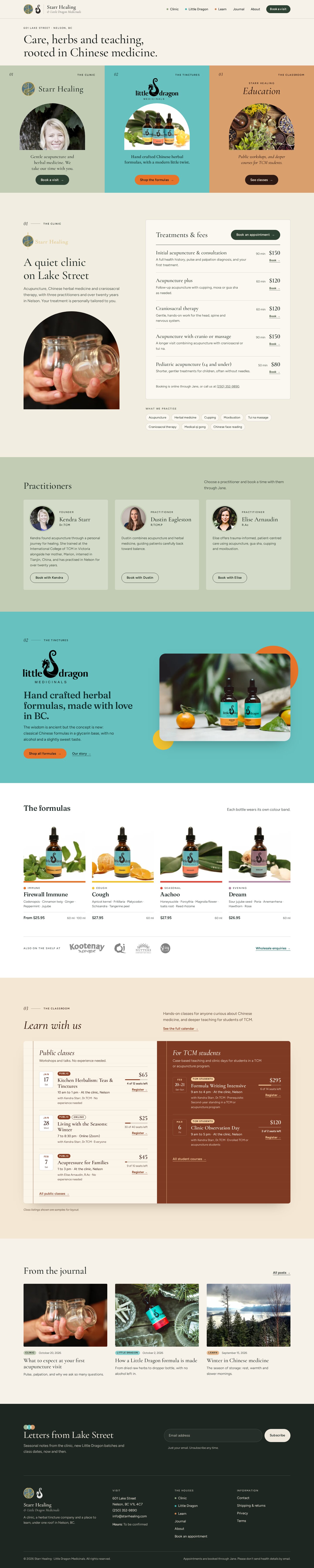
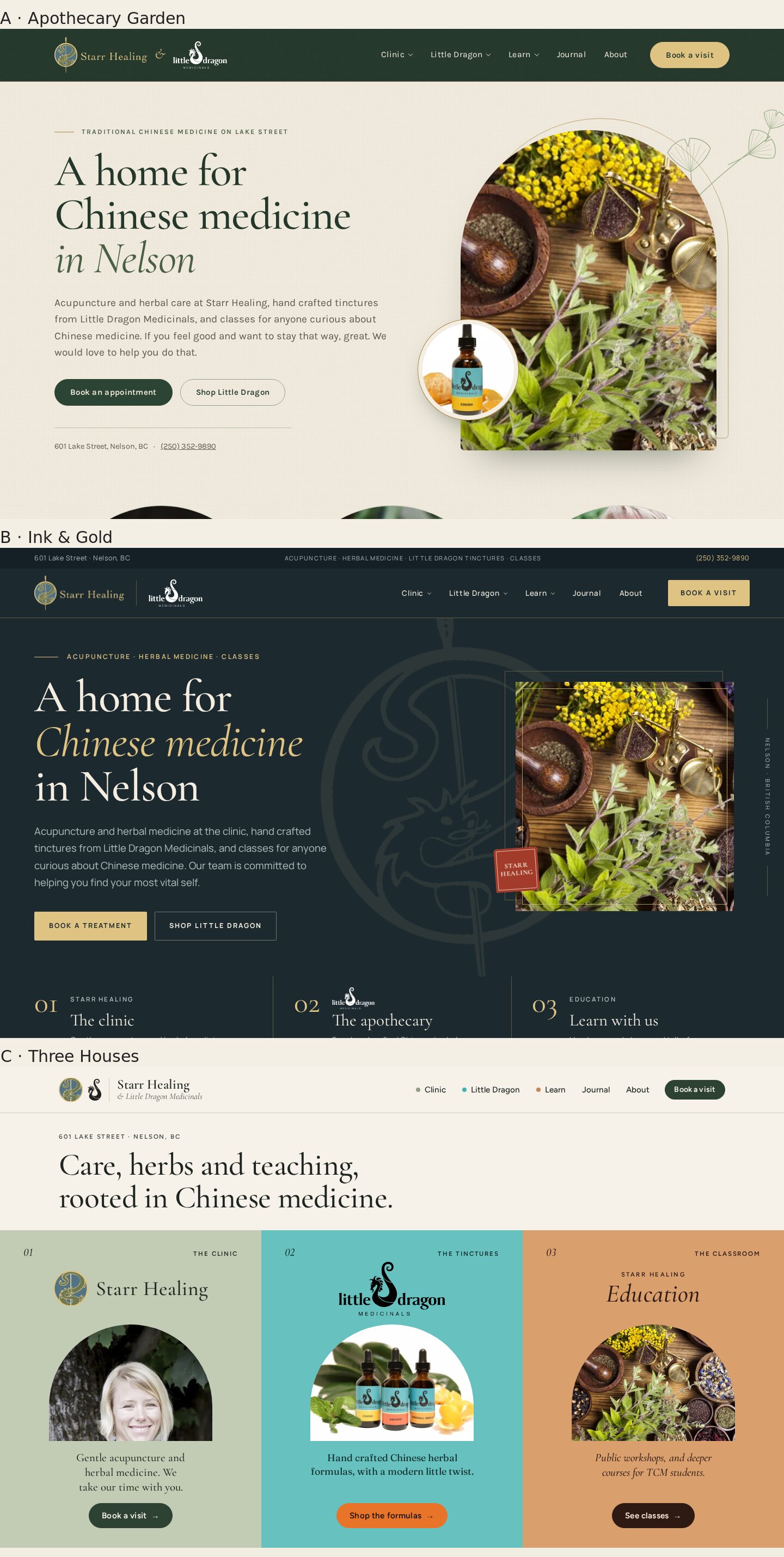
Three ways the new homepage could look. They use your real products, photos and practitioners. The class listings are only samples.
All three first screens side by side
Leaving notes
On any of the three pages, tap ✎ Annotate in the bottom right corner, then tap a heading, paragraph, photo or section and type what you think. To comment on a few words, select them first. Notes save as you go.
The menus open, but the links and buttons don't go anywhere yet. These are design previews, not the working site.